
QR-based preventive maintenance for Australian trades
A simple, customer-friendly alternative to bulky preventative maintenance software.
What is QR-based preventive maintenance?
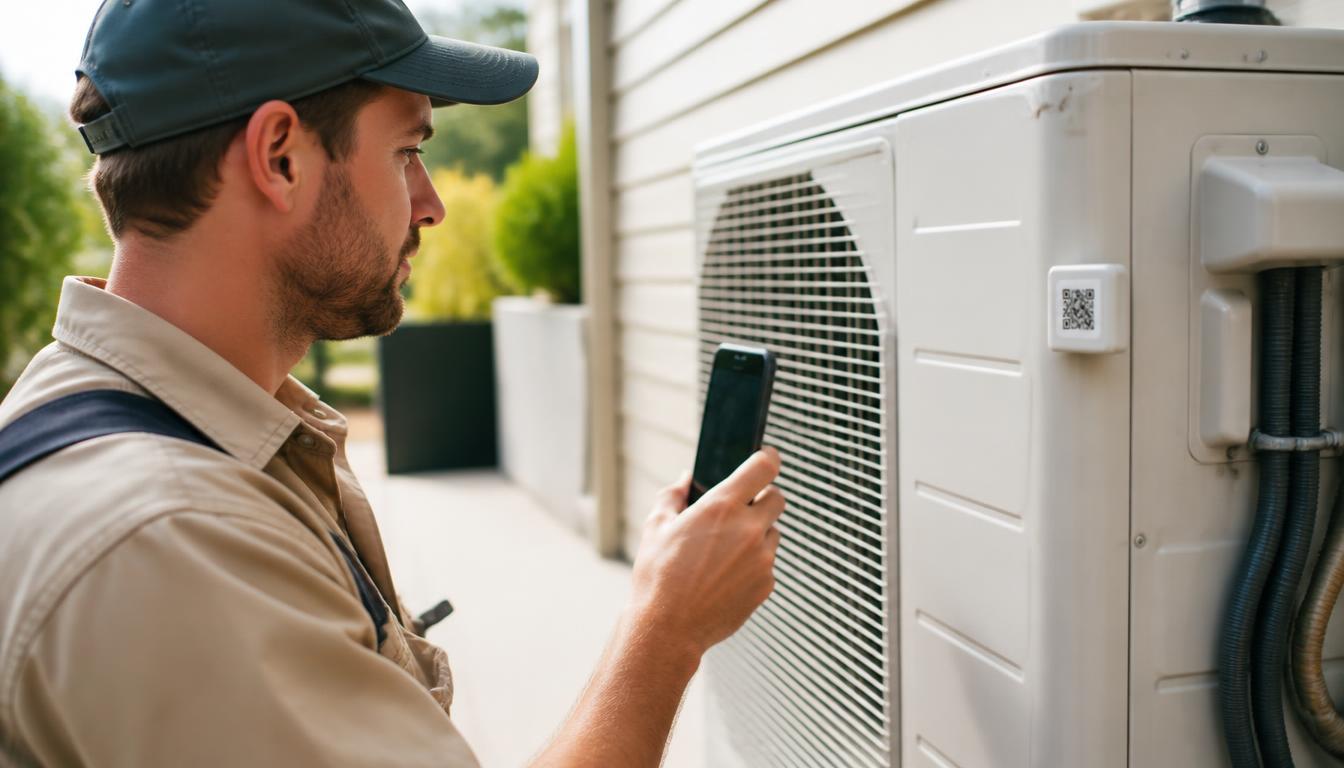
A QR service tag is a small, durable label attached to a piece of installed equipment. When a customer or technician scans it with a smartphone, it opens a digital service page for that exact unit. The page shows install details, service history, warranty information, care instructions, and a one-tap way to book the next service.
Instead of asking a customer to remember your business, hunt for a paper invoice, or download another app, the equipment itself becomes the reminder. That is the core of QR-based preventive maintenance.
Why HVAC, solar, and pool equipment installers benefit most
These three trades install high-value assets that sit in or around a customer's home for years. Each asset needs scheduled attention to stay safe, efficient, and under warranty. That makes them ideal for QR-based maintenance reminders.
HVAC: Split systems, ducted units, and refrigeration equipment need regular filter changes, refrigerant checks, and seasonal tune-ups.
Solar: Inverters, panel arrays, and isolators require inspections, warranty tracking, and occasional performance checks.
Pool equipment: Pumps, salt chlorinators, heaters, and filters run seasonally and need reliable servicing to avoid expensive failures.
QR service tags vs preventative maintenance software
Computerised maintenance management systems (CMMS) and broad preventative maintenance software are powerful tools for facilities managers with large asset portfolios. But for a small-to-medium Australian trade business installing units in homes, they are often over-engineered.
QR service tags give you the parts that matter most for repeat work: scheduled reminders, asset records, and easy rebooking, without the complexity of enterprise software.
| Feature | QR service tag | CMMS / preventative maintenance software |
|---|---|---|
| Setup time | Minutes per installed unit | Days or weeks of configuration |
| Monthly cost | Low per-install or per-customer | High per-user licence |
| Customer adoption | High — just scan with a phone | Low — customers need accounts or apps |
| Scheduling | Automatic reminders tied to each asset | Full work-order and calendar management |
| Data capture | Asset-level history and notes | Enterprise-wide asset registers |
| Best for | Residential installers and small trade teams | Large facilities and multi-site operations |
What a good QR maintenance page should include
The service page behind the QR tag should be short, scannable, and action-oriented. Customers should know exactly what the unit is, when it was last serviced, and what to do next.
Clear equipment details
Brand, model, serial number, and install date.
Service history
Dates of past visits and the work completed.
Next service due
A visible due date with automatic reminder logic.
Warranty status
Remaining warranty period and terms.
Care and safety tips
Simple instructions the customer can follow.
One-tap actions
Book, request a quote, report a fault, or call.
How to roll it out in your trade business
You do not need an IT team. Most trade businesses can get started in an afternoon by following these steps.
- 1
Choose durable tags
Use weather-resistant, UV-stable labels that will stay readable on outdoor units and pool equipment for years.
- 2
Attach during installation
Place the tag where a technician and customer can easily see and scan it, but away from moving parts or heat sources.
- 3
Record the asset
Capture the unit details, install date, warranty, and customer contact at the same time you attach the tag.
- 4
Set a reminder schedule
Create simple rules based on manufacturer recommendations or your service programme, such as every six months for HVAC or annually for solar inverters.
- 5
Educate the customer
Show them how to scan the tag and explain that it is the fastest way to rebook or get support.
- 6
Review and follow up
Check upcoming due dates each week and reach out before the customer forgets.
Keep it simple, keep it booked
A preventive maintenance system only works if it is used. The simpler the path from "my unit needs a service" to "booking is confirmed", the more repeat work you will see. QR service tags remove friction for both the customer and the office.
For Australian trades competing with large directories and one-off lead generators, owning the relationship with the installed asset is a powerful advantage. The unit does the remembering, and the customer does the booking.